Built on HubSpot
Create, Send, Sign & Track Quotes and Invoices — Right Inside HubSpot
Making the quoting and invoicing process fully native. Fully automated.
AutoQuote is a 100% native HubSpot app that helps you create professional quotes, send them to clients, collect signatures, and track quote progress — all from within HubSpot.
- 100% Native HubSpot App
- Unlimited Custom Templates
- Built-In eSignature

Quote Signed
Acme Solutions
Synced with HubSpot
Real-time
- 100% NativeHubSpot App
- UnlimitedQuote & Invoice Templates
- Built-IneSignature
- Real-TimeStatus Tracking
One native app for your entire quoting and invoicing process
AutoQuote is a 100% native HubSpot quoting and invoice solution that helps you create professional quotes, send them directly to clients, collect signatures, and track quote progress — all from within HubSpot.
Since AutoQuote works directly with your HubSpot CRM, it automatically pulls customer, company, product, and deal information from your records. This means your team doesn't have to enter the same information repeatedly, reducing manual effort and minimizing errors.
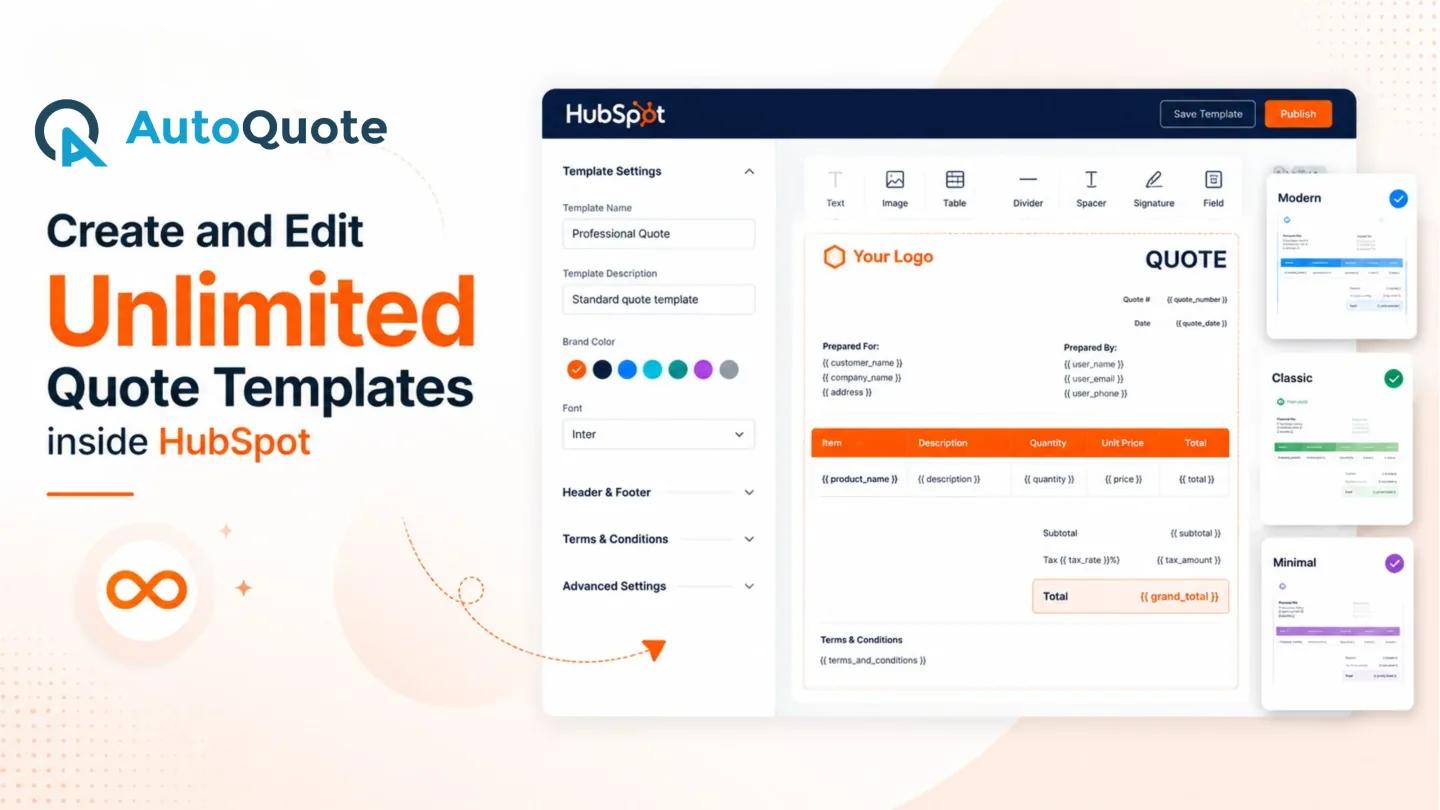
Create unlimited custom quote templates that match your brand, products, and services. Whether you need different templates for multiple business units, offerings, or sales teams, AutoQuote gives you complete flexibility to design and manage your quotes inside HubSpot.
Create quotes manually, trigger quote generation when a deal reaches a specific stage, use drag-and-drop actions, build workflow-based automations, or connect AutoQuote with your existing integrations. Whether your team prefers a simple process or a highly automated workflow, AutoQuote fits the way you sell.
Why Choose AutoQuote?
- Automatically pull data from HubSpot deals
- Create unlimited custom quote templates
- Generate quotes manually or through automation
- Trigger quote creation using deal stages and workflows
- Send quotes directly to clients via email
- Collect signatures with built-in eSignature
- Track quote status in real time
- Manage everything from the HubSpot deal record
- Download quotes instantly
- Enjoy a seamless, 100% native HubSpot experience
Create. Send. Sign. Track. All inside HubSpot.
Everything you need to create, send, sign and track
One native app that handles the entire lifecycle of a quote or invoice, built directly on top of the HubSpot CRM data you already have.
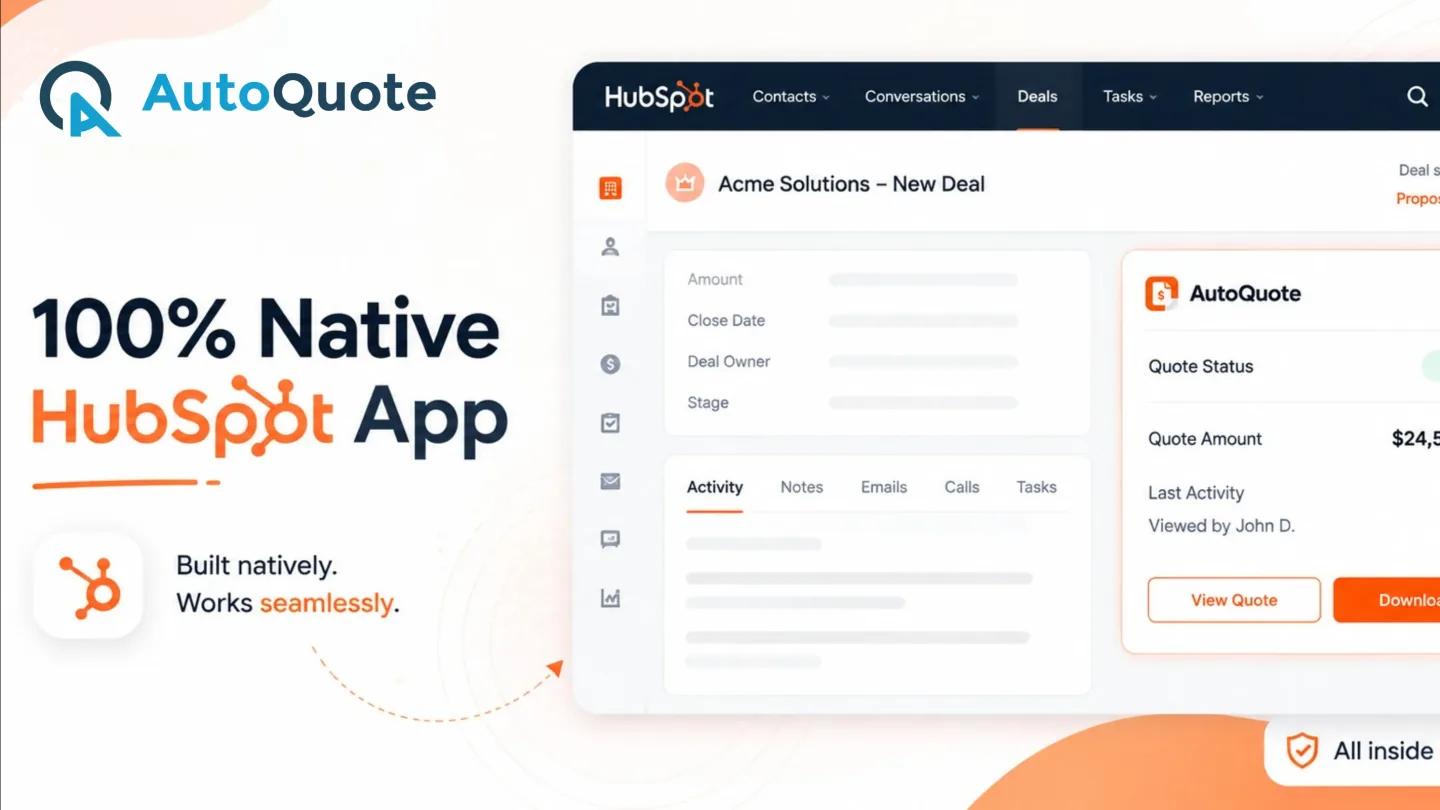
100% Native HubSpot App
Manage your entire quoting process without leaving HubSpot. AutoQuote is built natively for HubSpot, giving your sales team a seamless experience within the CRM they already use. Create, send, sign, and track quotes without constantly switching between multiple platforms. That means no clunky redirects, no separate logins, and no data getting stuck in translation between systems.
Create and Edit Unlimited Quote & Invoice Templates Inside HubSpot
Build professional, branded quotes and invoices that fit your business. Create and edit unlimited custom quote and invoice templates directly inside HubSpot. Customize your document experience for different products, services, customers, or sales teams while maintaining a consistent and professional brand identity.
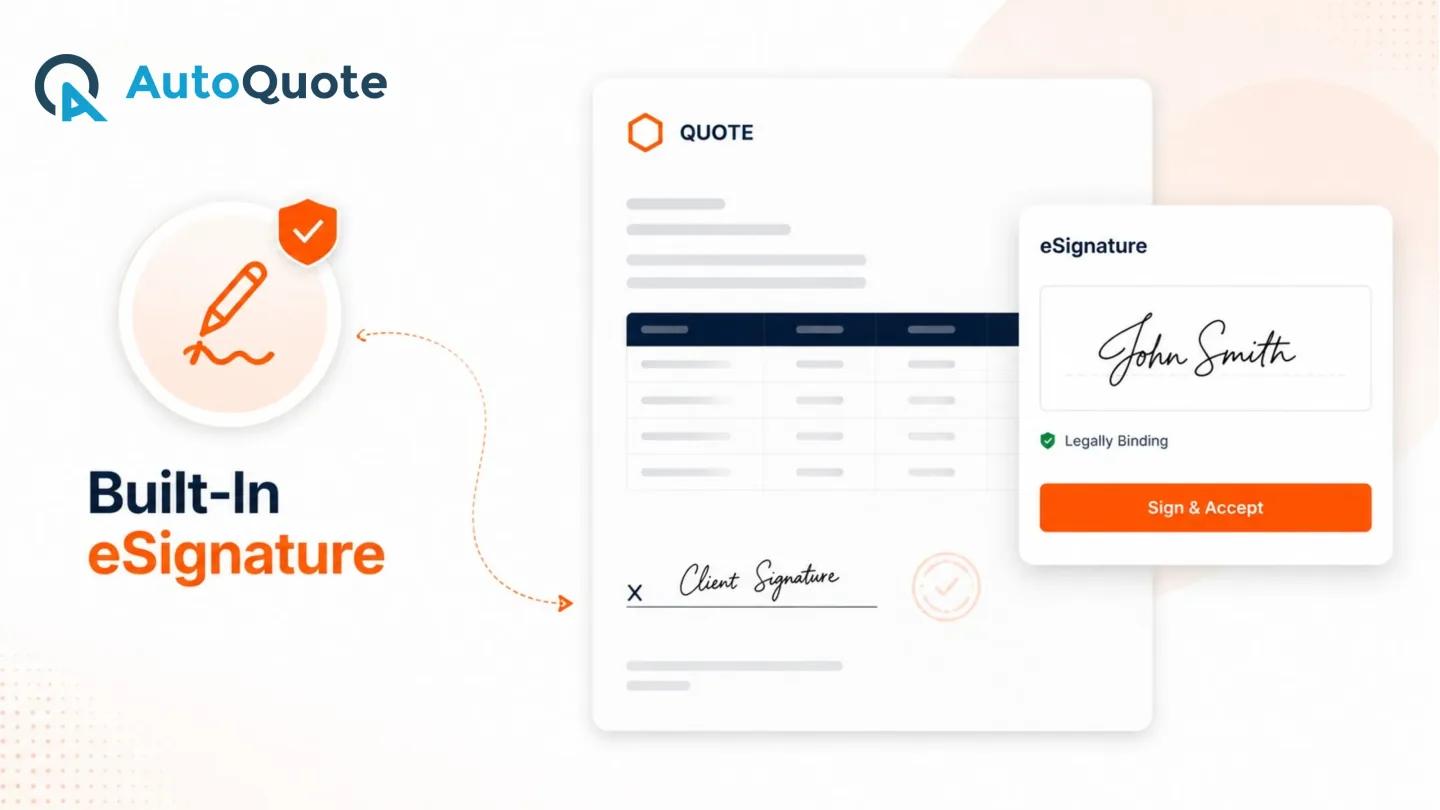
Built-In eSignature
Make quote approvals faster with built-in eSignature. Let customers review and digitally sign quotes without requiring a separate eSignature solution. Keep the signing process connected to the quote and the associated HubSpot deal for a smoother approval experience.
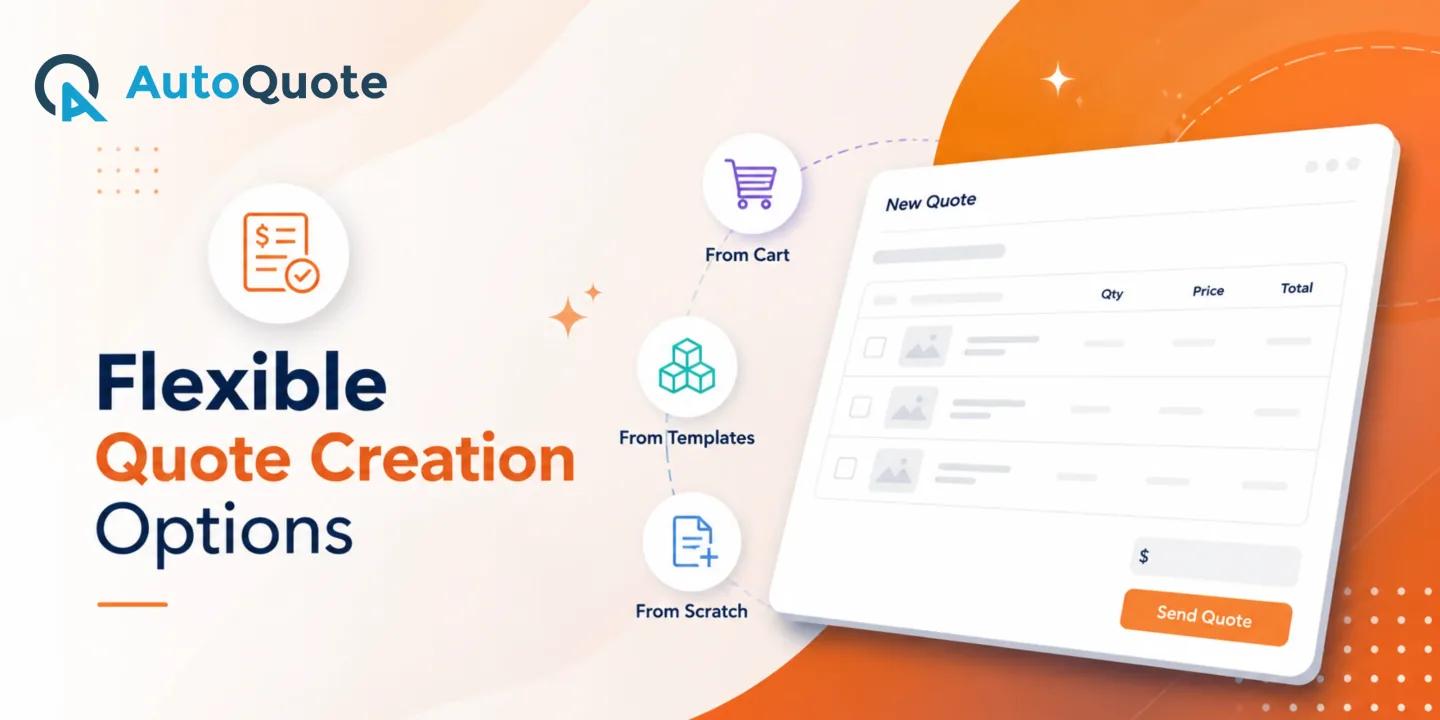
Flexible Quote Creation Options
Every sales process is a little different, so AutoQuote doesn't force one path. Create quotes the way your sales process works. Generate quotes manually, trigger them when a deal stage changes using drag-and-drop actions, or automate quote creation through HubSpot workflows and integrations. AutoQuote gives your team the flexibility to choose the right level of automation for every sales process.
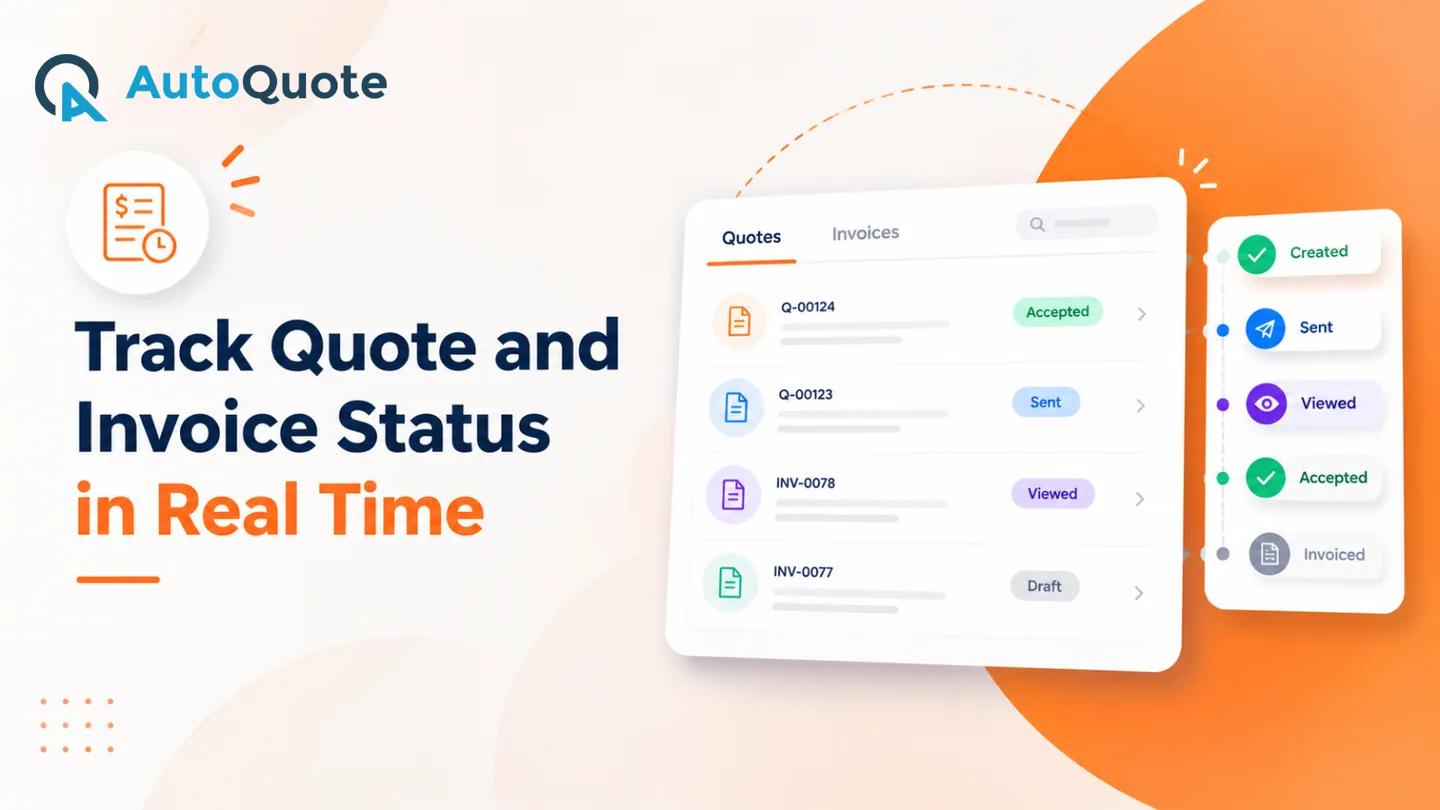
Manage Everything from the Deal Record
Keep your deal information, quotes, and invoices connected in one place. Access AutoQuote directly from the AutoQuote card on your HubSpot deal record. View quote information, take actions, and track activity without searching through separate applications or disconnected systems.
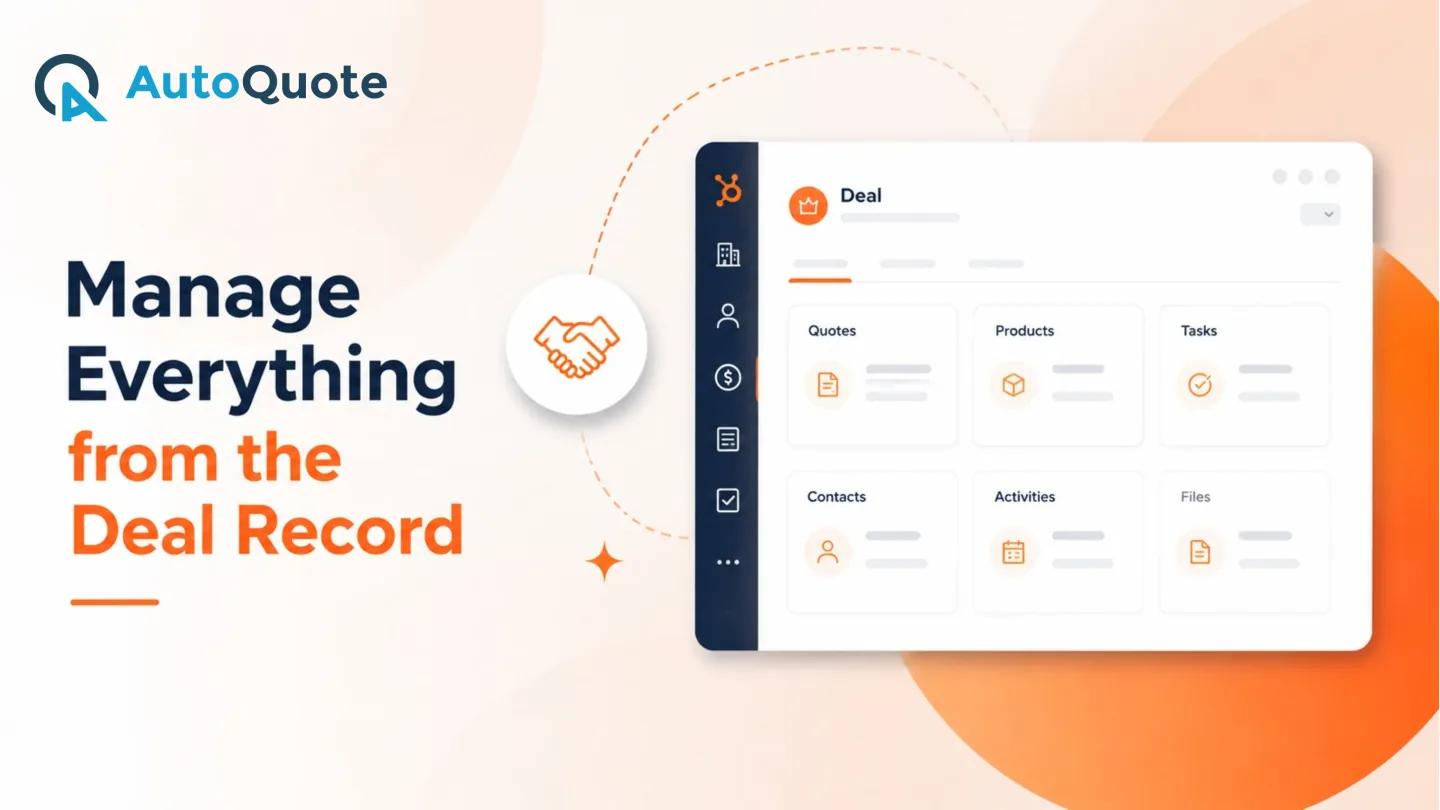
Send Quotes and Invoices Directly via Email
Get quotes and invoices in front of your customers faster. Send completed quotes directly to clients via email from AutoQuote. Eliminate unnecessary downloading, uploading, and manual emailing steps while keeping your quote delivery process connected to the HubSpot deal.
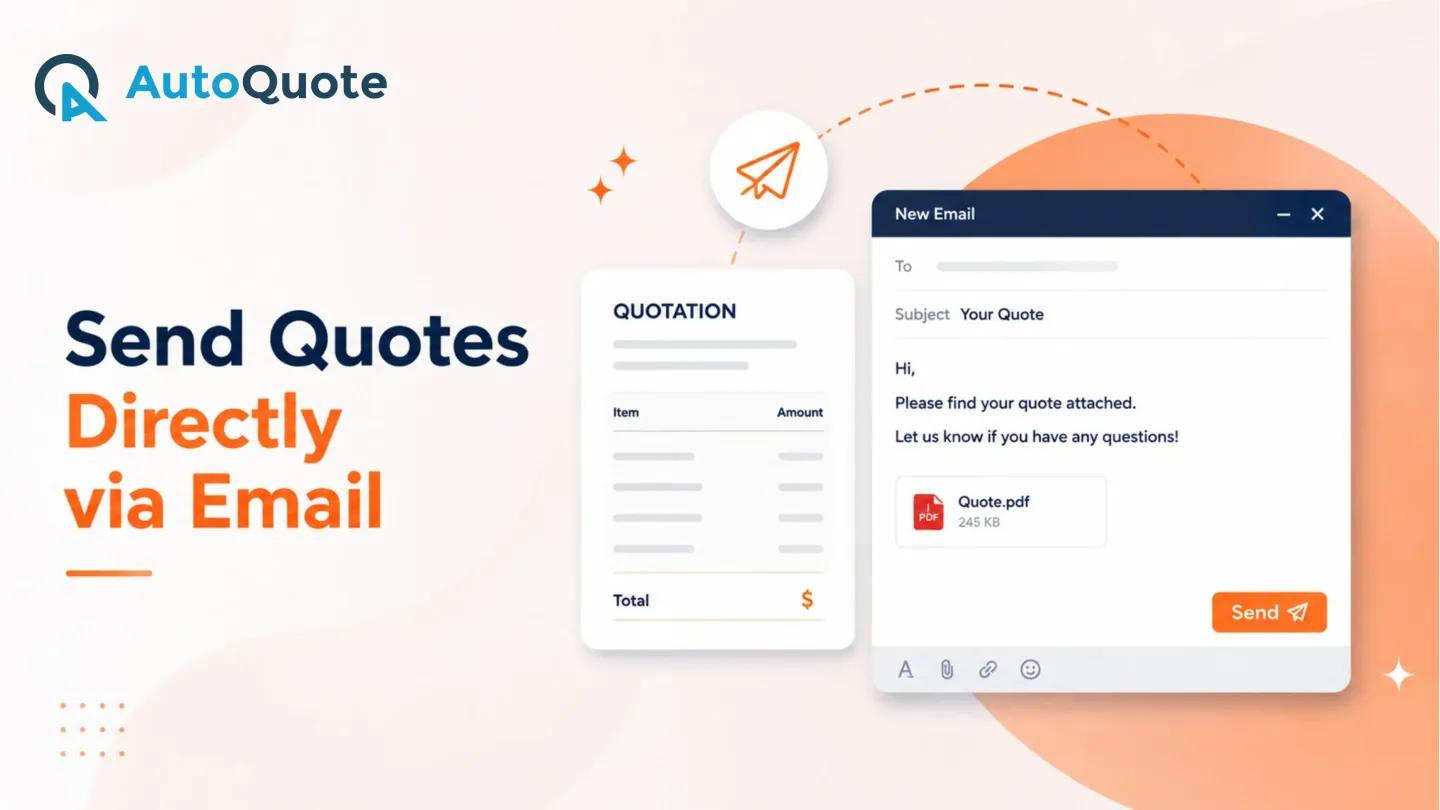
Download Quotes and Invoices Instantly with a Single Click
Access a copy of your quote and invoices whenever you need it. Download generated files directly from the AutoQuote card with a single click. Keep copies for your records, share them internally, or use them whenever a downloadable version of the quote is required.
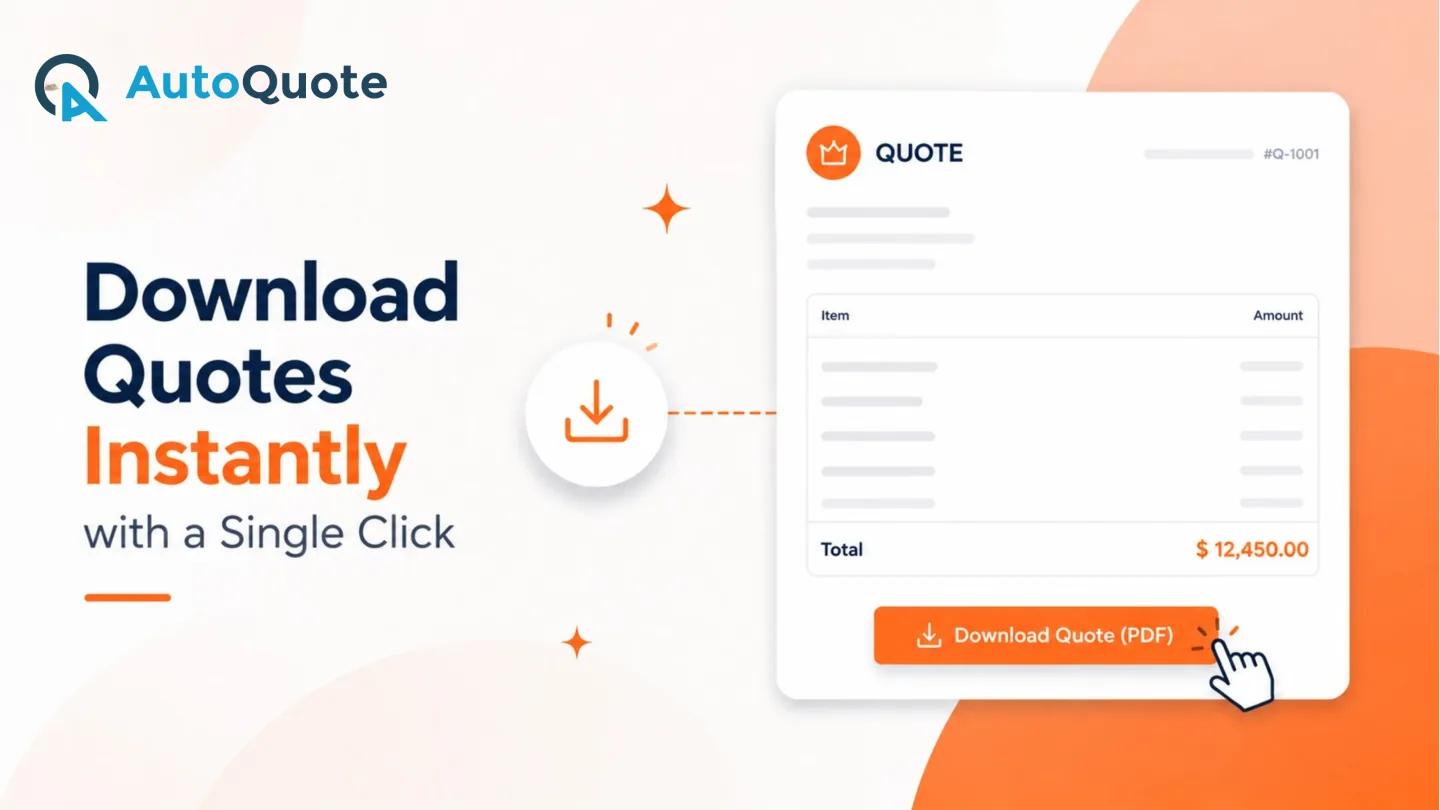
Track Quote and Invoice Status in Real Time
Always know where your quotes and invoices stand. Get visibility into the current status of your quotes directly inside HubSpot. Whether a quote has been sent, is awaiting action, or has been signed, your sales team can quickly understand what is happening and follow up at the right time.
Features of AutoQuote
Experience the power of effortless quote creation.


From install to signed and tracked — in five simple steps
Install
Connect AutoQuote to your HubSpot account.
Customize
Create your quote and invoice templates.
Generate
Create documents directly from your deals.
Send & Sign
Send them to customers and collect signatures.
Track
Monitor document status from HubSpot.
Built for every team that sends quotes and invoices
Sales Teams
Create and send quotes faster.
Sales Operations
Standardize quote and invoice processes.
Agencies & Service Businesses
Create branded proposals, quotes and invoices.
Growing Businesses
Manage the entire document workflow from HubSpot.
Industry Applications of AutoQuote
Driving AI-powered innovation with HubSpot.
See and Explore AutoQuote in Action
From product selection to final approval, AutoQuote handles it all.
Request a Free Callback
Let's Connect
Simple plans that scale with your sales team
Every AutoQuote plan includes the same core quoting and invoicing toolkit. Choose the plan that matches your monthly quote and invoice volume.
Pro Plan
For growing sales teams that need flexible, branded quoting.
- Custom Quote and Invoice Template
- Template gallery
- Built-In eSignature
- QuickBook Integration
- Supports Automation and Integration
- Export and Share as PDF or Email
- Flexible Quote and Invoice Creation Options
- Track Quote Status in Real Time
- Ongoing support
Enterprise Plan
For high-volume sales organizations that need unlimited scale.
- Custom Quote and Invoice Template
- Template gallery
- Built-In eSignature
- QuickBook Integration
- Supports Automation and Integration
- Export and Share as PDF or Email
- Flexible Quote and Invoice Creation Options
- Track Quote Status in Real Time
- Ongoing support
Everything you need to know about AutoQuote
AutoQuote is a 100% native HubSpot quoting and invoice solution that helps you create professional quotes, send them to clients, collect signatures, and track quote progress — all from within HubSpot.
Yes. AutoQuote is built natively for HubSpot, so your team works entirely inside the CRM you already use — no separate logins, redirects, or disconnected tools.
Yes. You can create and edit unlimited custom quote and invoice templates directly inside HubSpot, matching your brand, products, and services.
Yes. AutoQuote automatically pulls customer, company, product, and deal information from your HubSpot records to help you generate invoices without re-entering data.
Yes. AutoQuote includes built-in eSignature so customers can review and digitally sign quotes without requiring a separate eSignature tool.
Yes. The template builder lets you customize branding elements such as your logo, brand color, font, header and footer, and terms and conditions for every template.
Yes. AutoQuote works directly with your HubSpot CRM and automatically pulls customer, company, product, and deal information from your records.
Yes. You can download generated quotes and invoices directly from the AutoQuote card on the deal record with a single click.
Both plans include unlimited users, custom templates, built-in eSignature, and automation support. The Pro plan includes 149 quotes and 99 invoices per month, while the Enterprise plan offers unlimited quotes and invoices per month.
AutoQuote is available on the HubSpot Marketplace. You can install it directly from your HubSpot account.
Ready to simplify your quote and invoice process?
Create, send, sign and track your documents without leaving HubSpot.